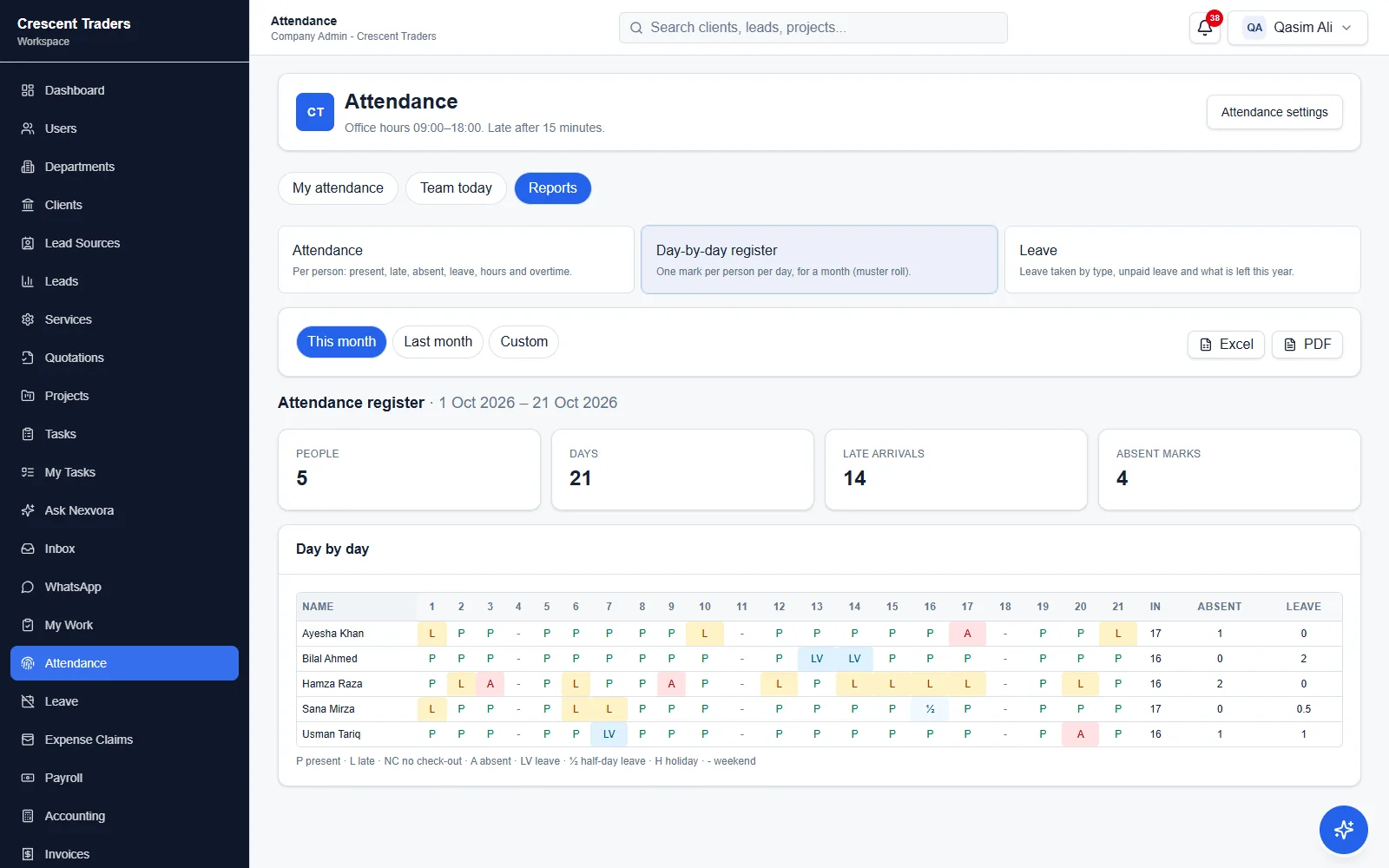
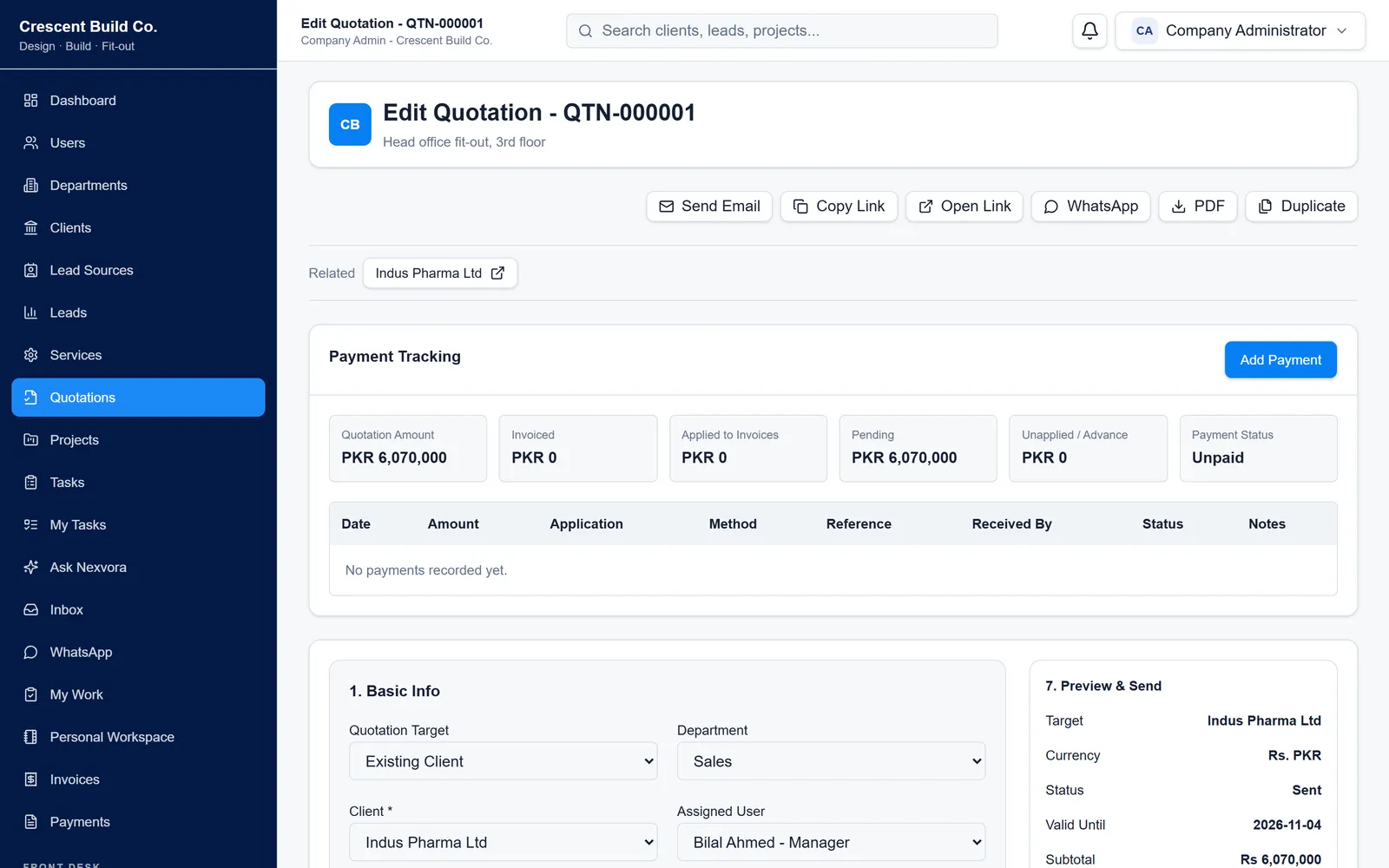
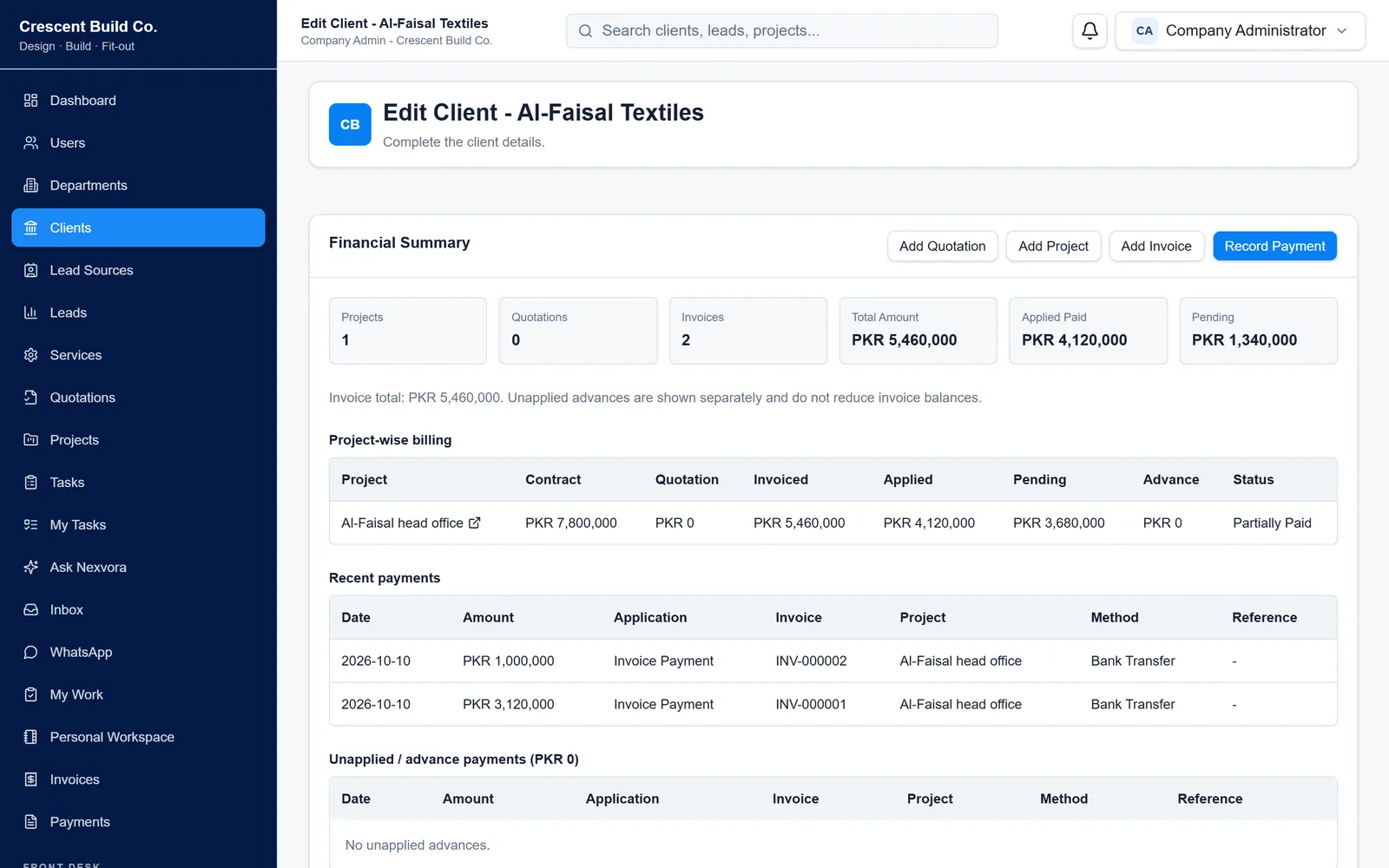
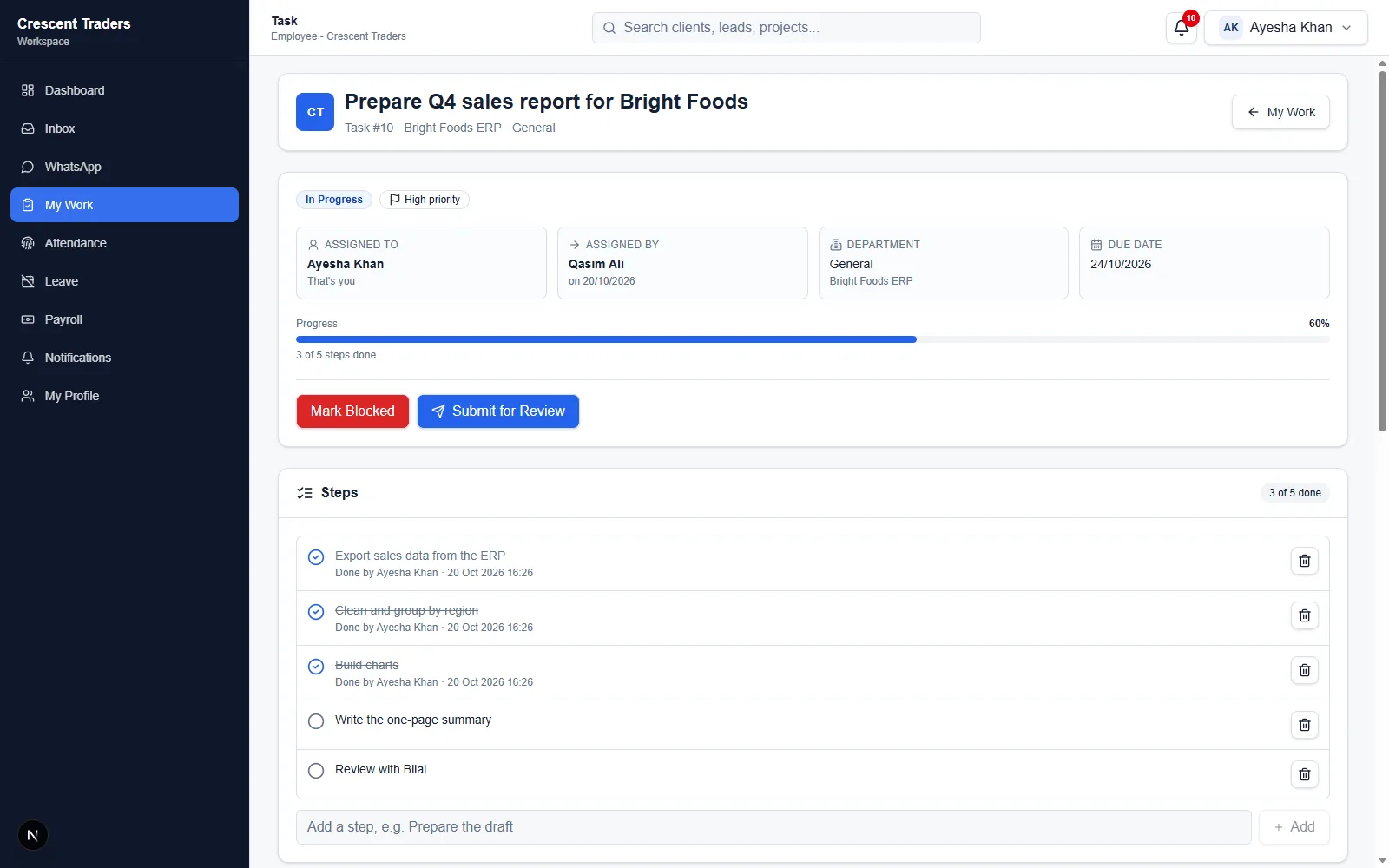
Operations software for growing service businesses

Bring every part of the business into one clear workspace.

Nexvora Workspace connects sales, project delivery, billing, and team administration—so work moves from lead to payment with the right context, access, and ownership.

Company-scoped workspaceRole and department controlsModular features
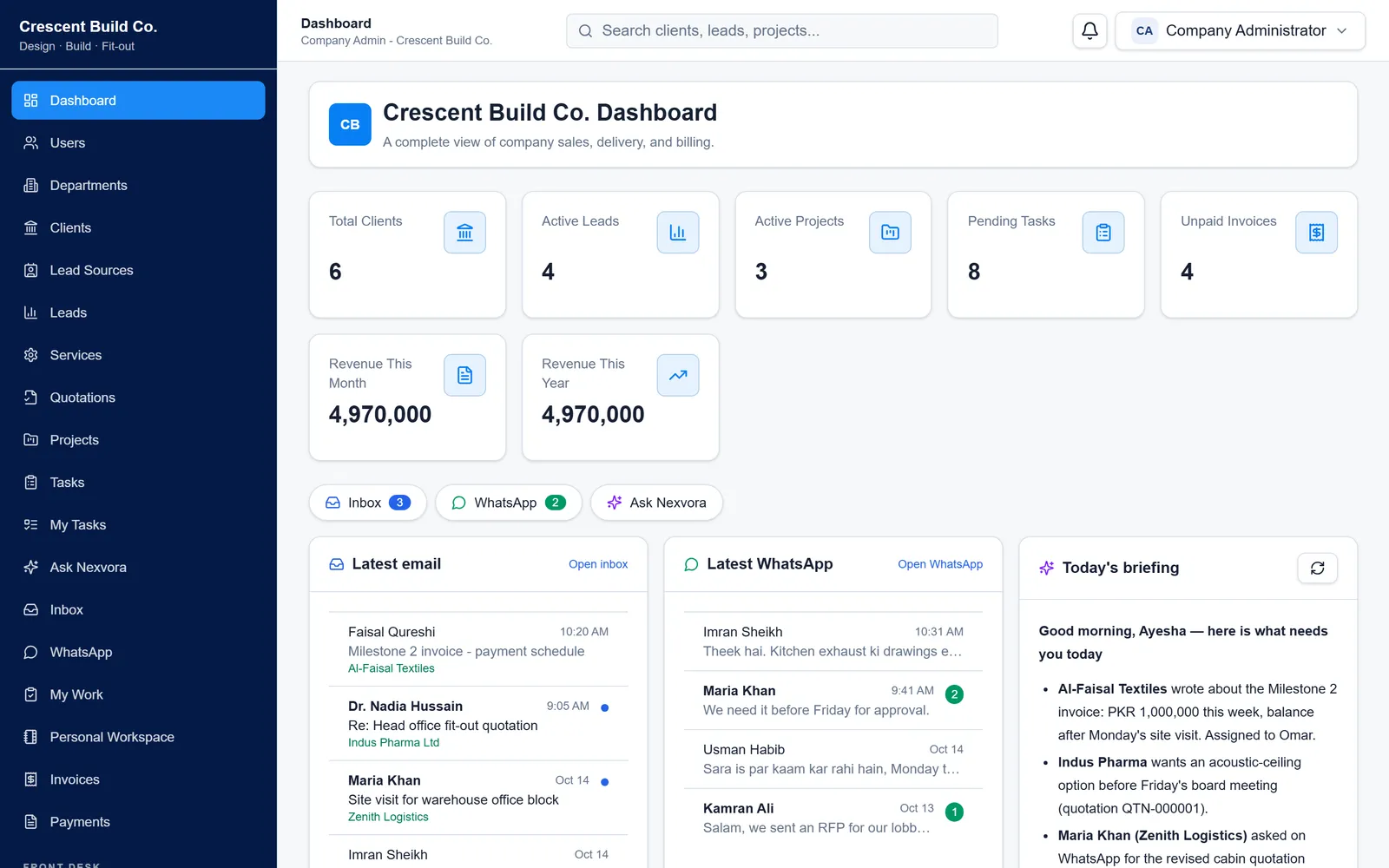
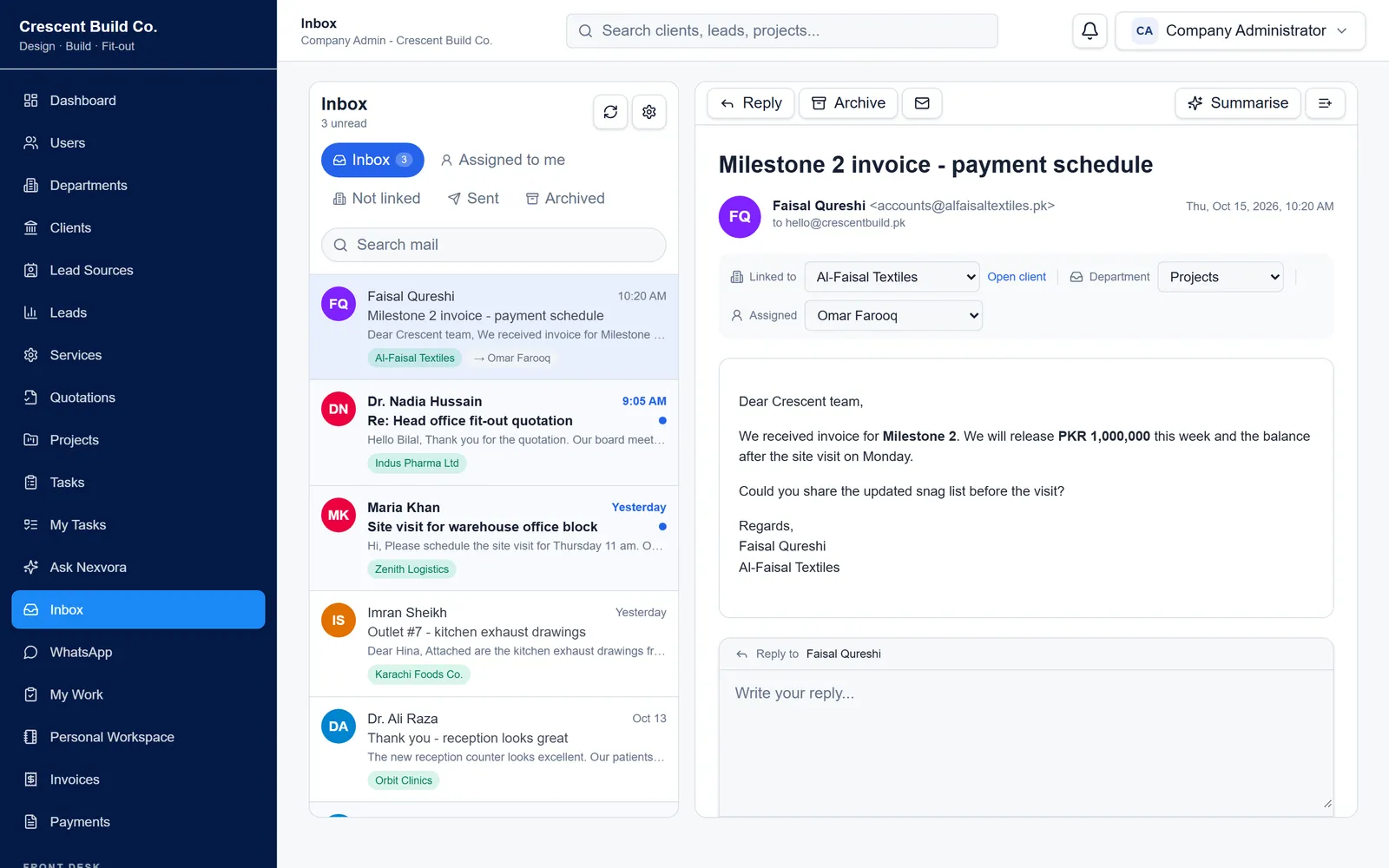
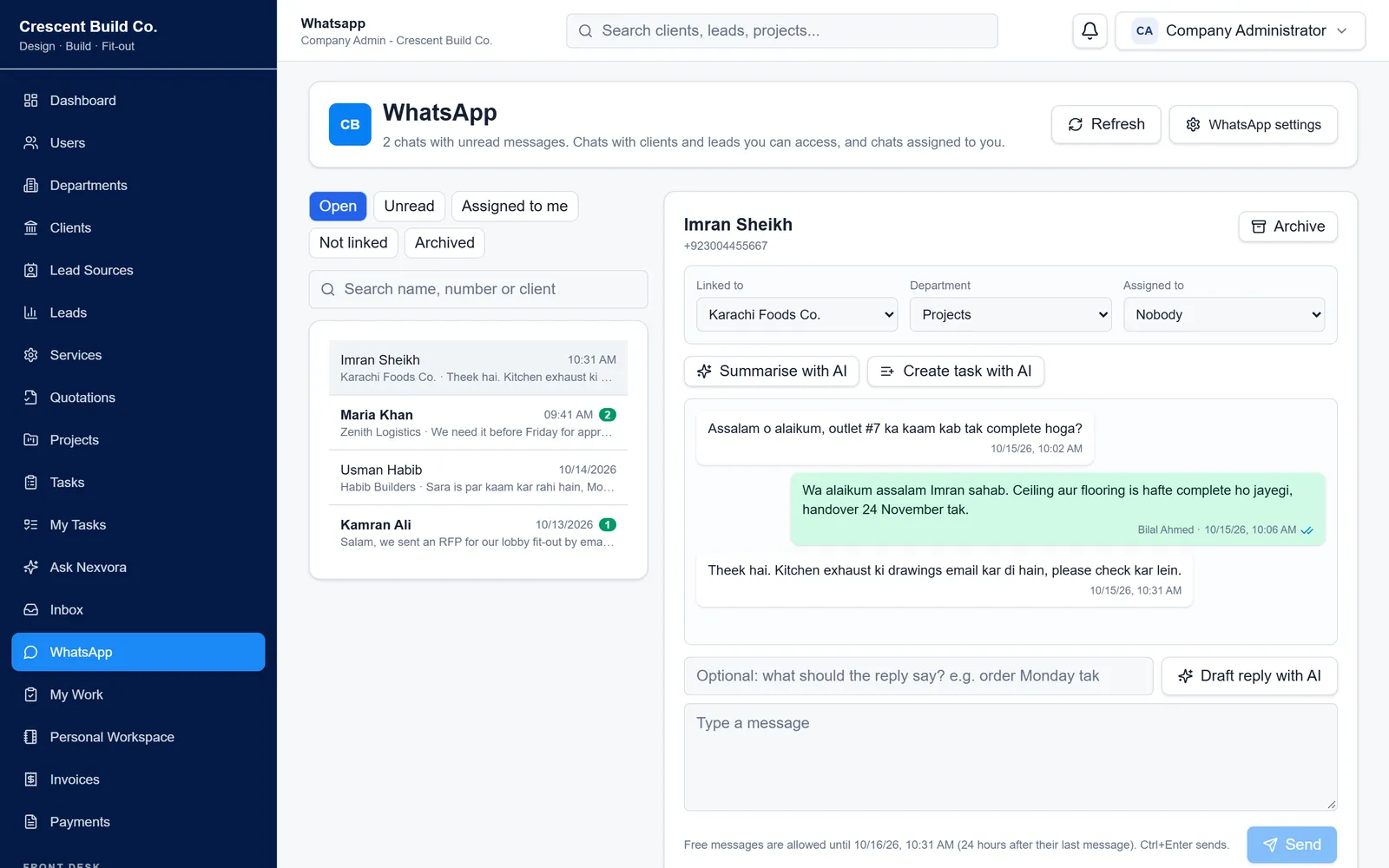
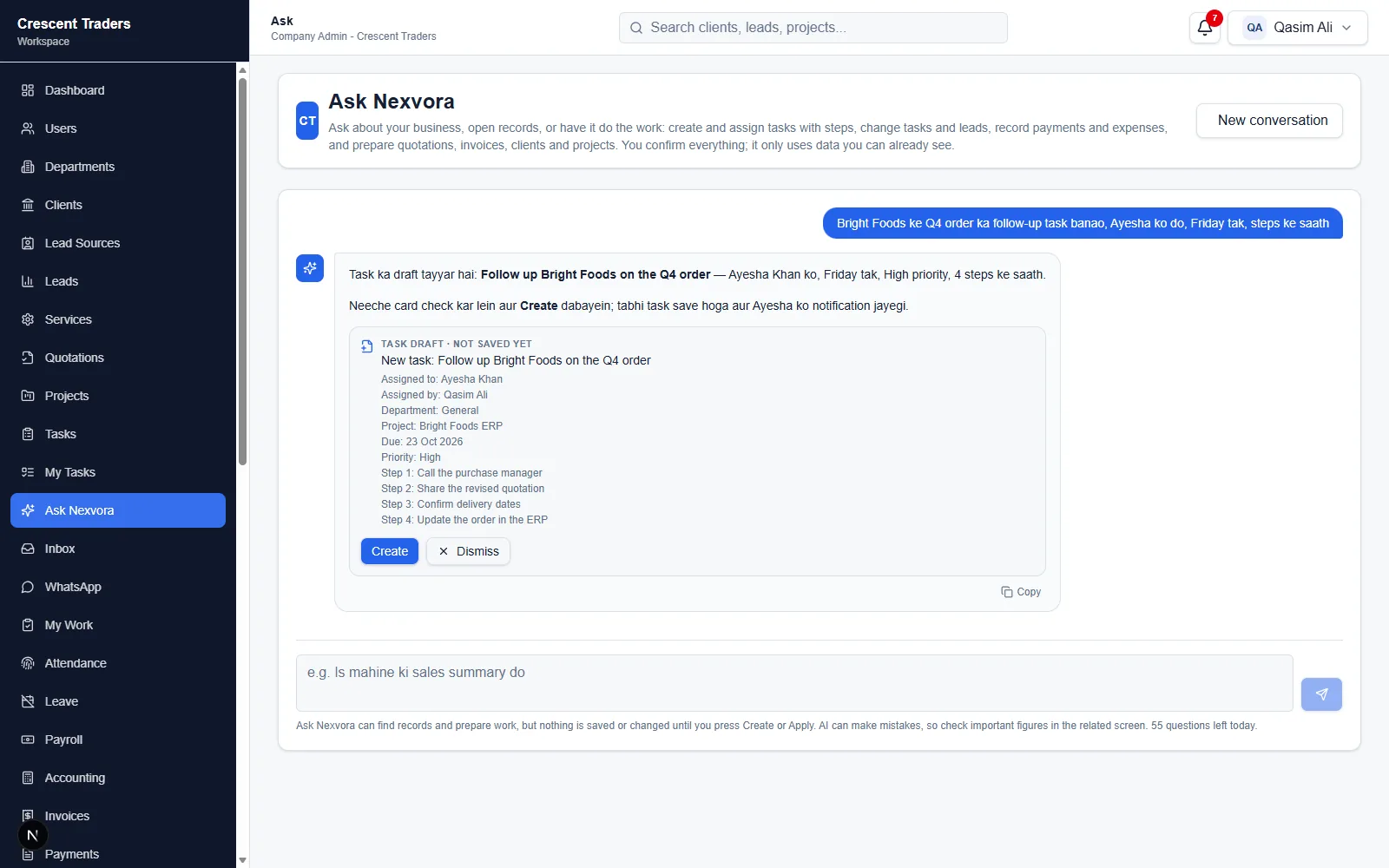
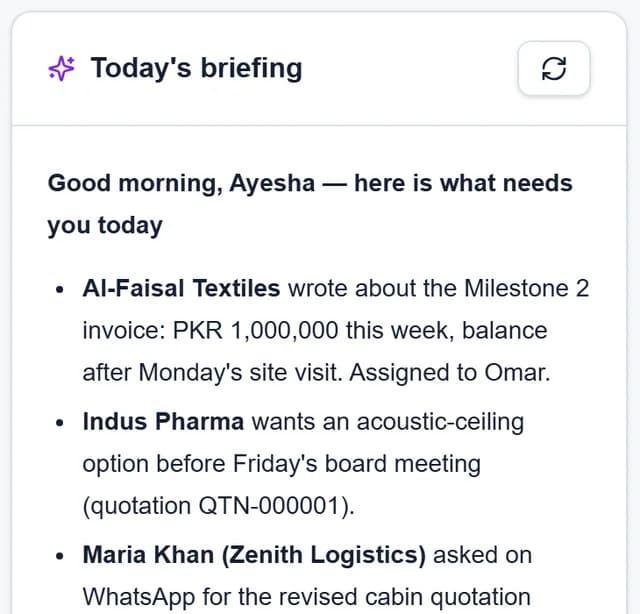
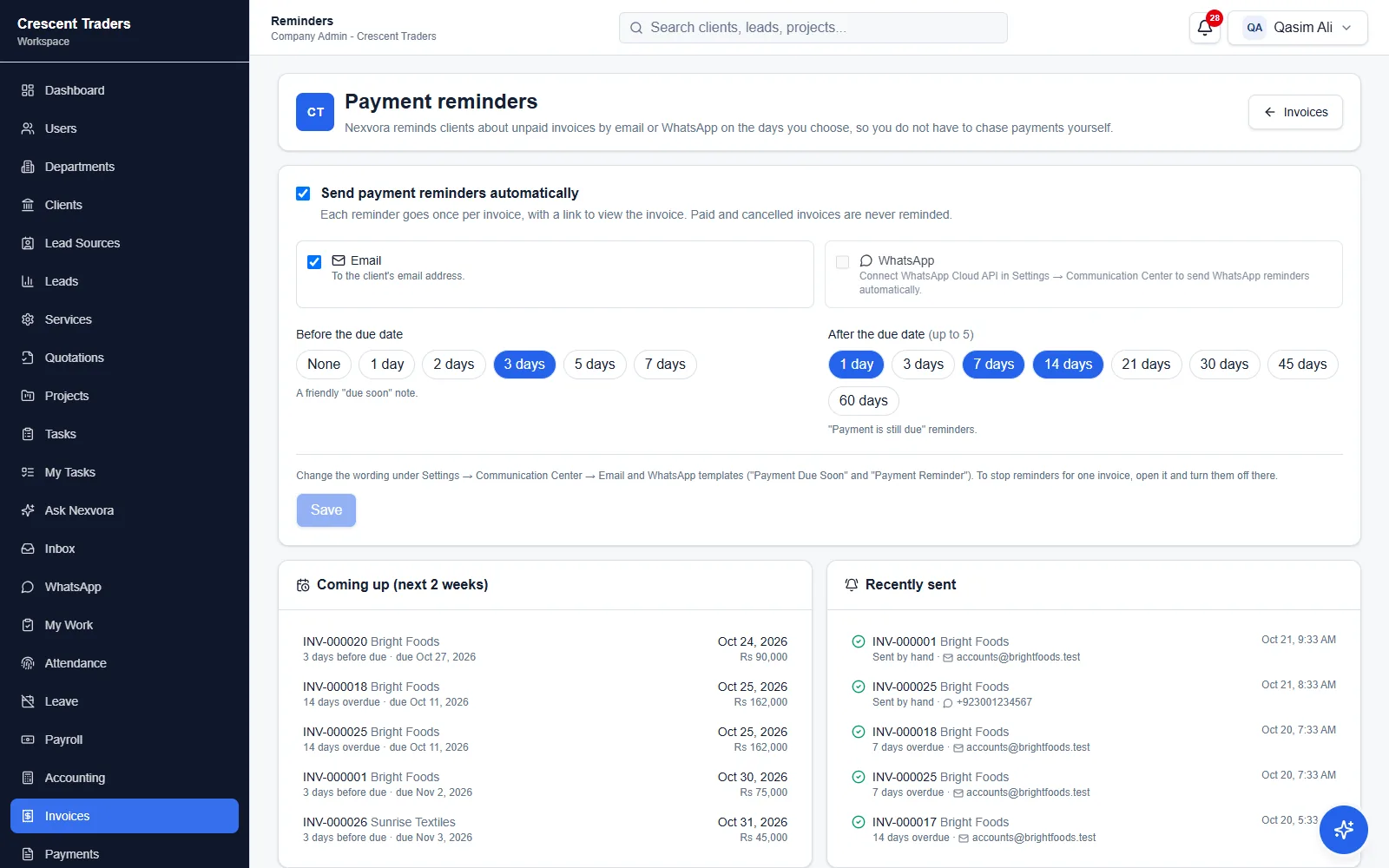
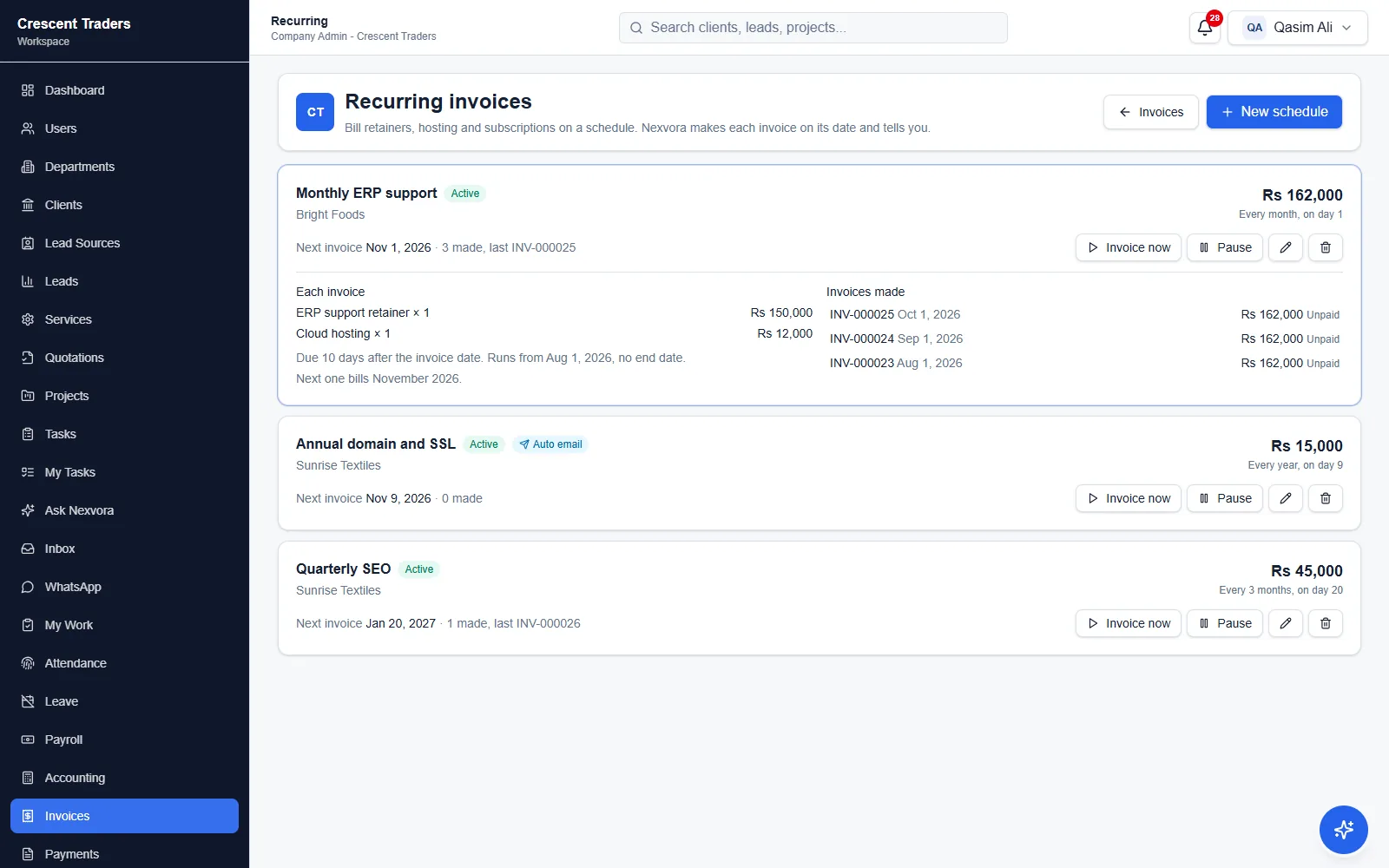
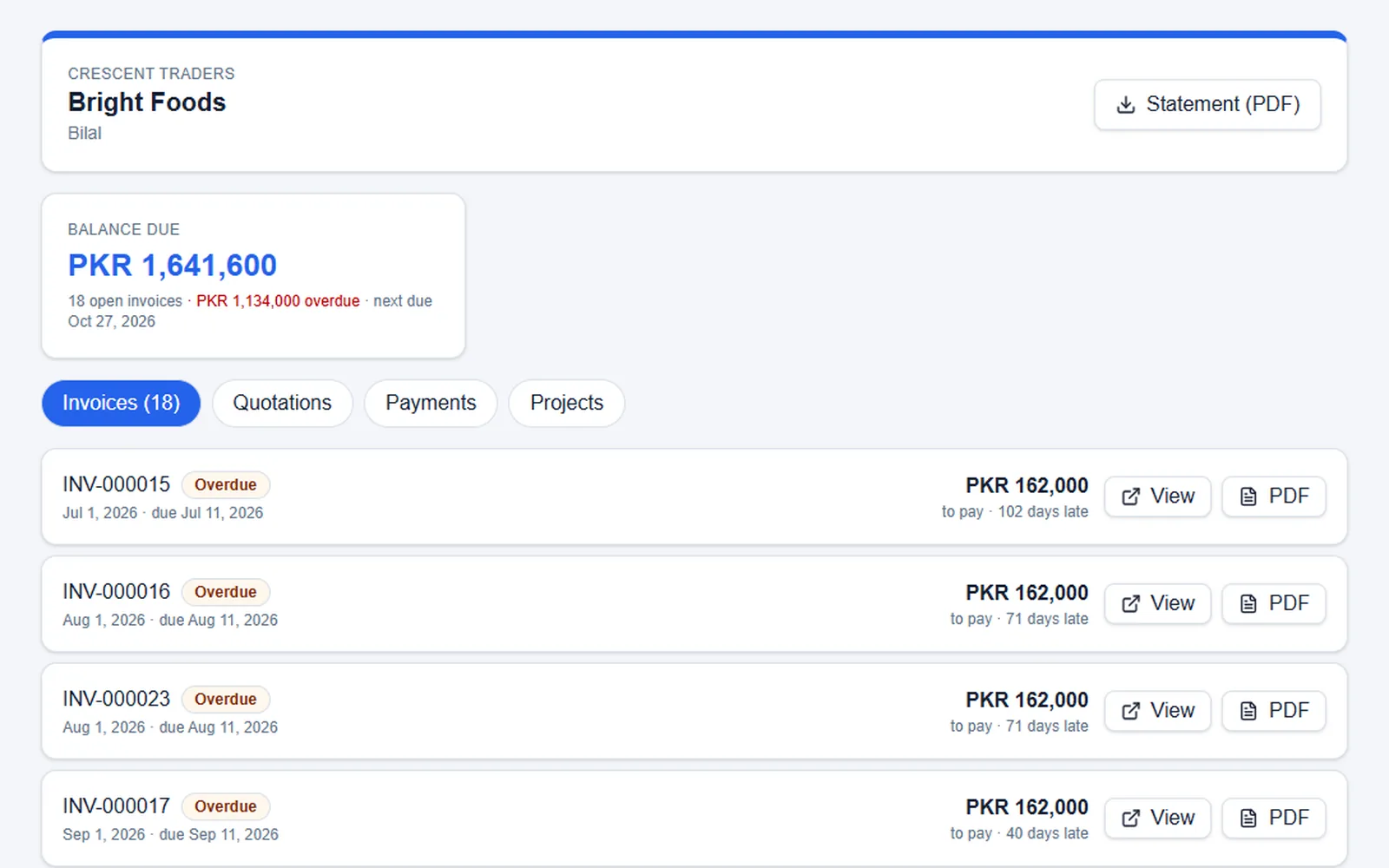
An accurate product presentation showing connected Sales, Delivery, Billing, and access-control workflows in Nexvora Workspace.

A dependable operating foundation

Built around real business boundaries—not disconnected tools.

Bring core workflows together while preserving the company, role, department, and feature boundaries that keep operations controlled.

One operational record

Customer, commercial, delivery, and billing context stays connected.

Company-scoped access

Each workspace keeps its organization and business records in context.

Governed team access

Roles, departments, and permissions shape who can do what.

Modular by design

Plans and enabled features keep the workspace aligned to the company.

How work moves through Nexvora

One connected path from first conversation to final payment.

Customer context, commercial documents, delivery records, and payment status stay inside the same company workspace—so each team can pick up the work with its context intact.

  1. 01Capture & convertSales
  2. 02Deliver the workProjects
  3. 03Bill & trackBilling
01

Sales · Capture & convert

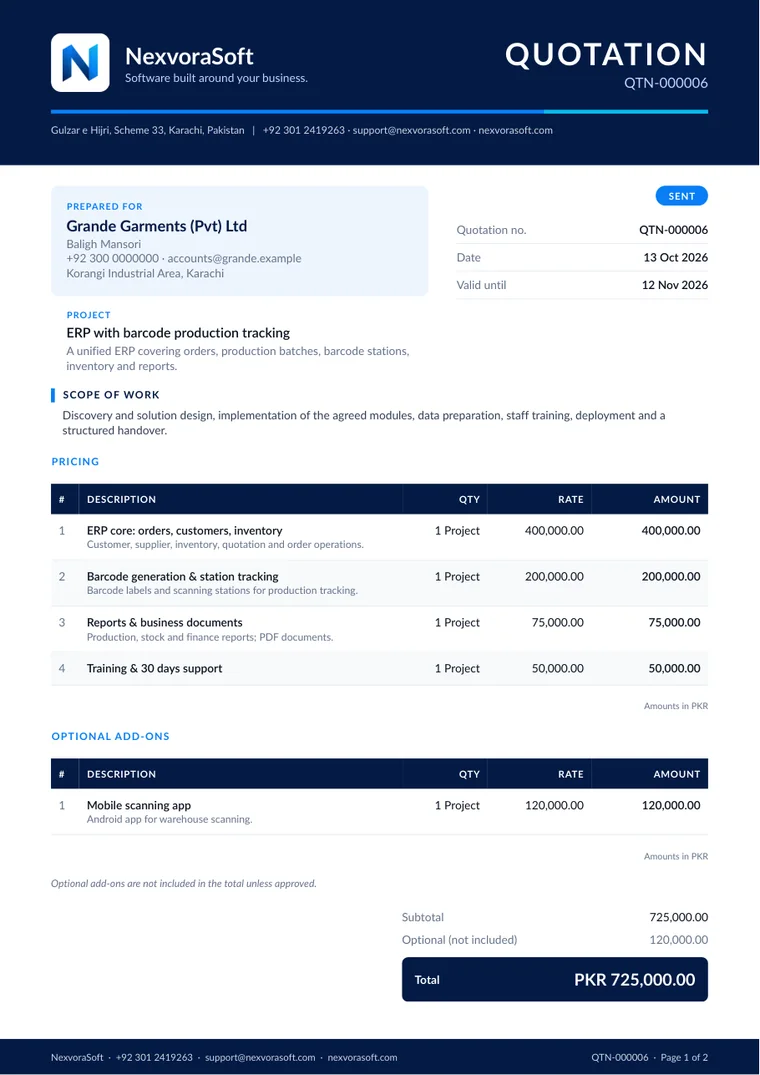
Turn customer interest into a quotation your team can act on.

Keep leads and clients in context, define the services you sell, and prepare quotations with the commercial detail needed to move work forward.

  • Lead or existing-client context
  • Reusable service lines
  • Quotation status, approval, and PDF workflows
Sales workspace
Delivery workspace
02

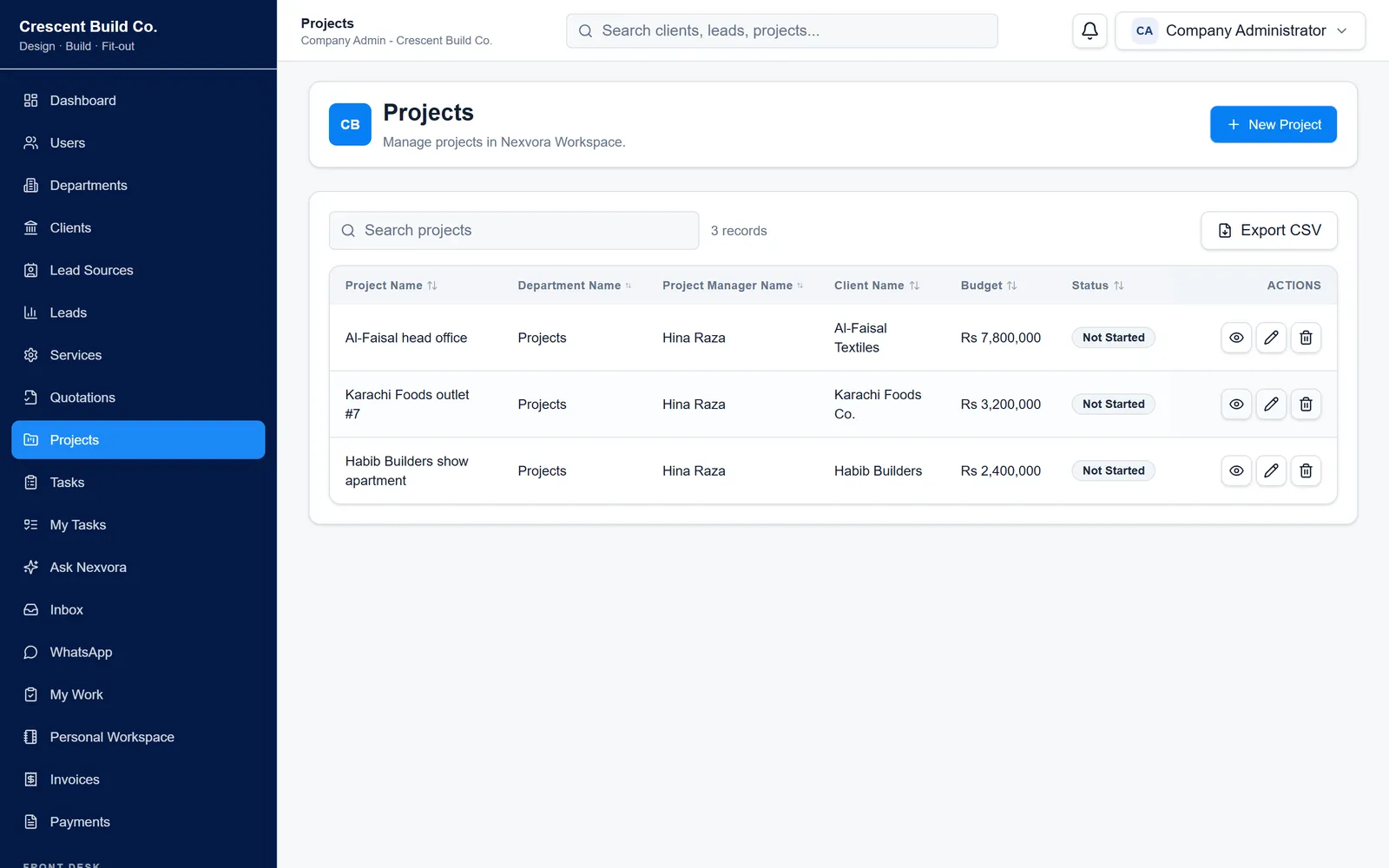
Delivery · Projects

Carry commercial context into organized project delivery.

Projects can retain the client and quotation behind the work while adding the department, project owner, dates, budget, and delivery status your team needs.

  • Client and quotation context
  • Department and project-manager ownership
  • Clear delivery status and dates
03

Billing · Bill & track

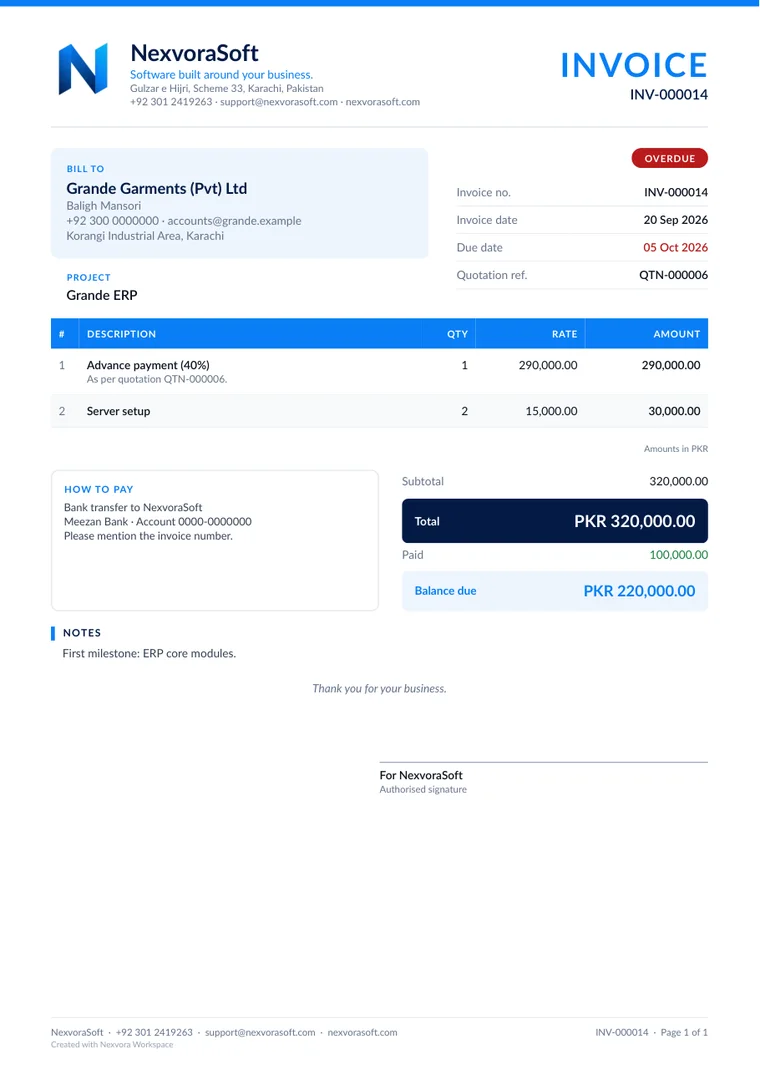
Create the invoice, record the payment, and keep the balance visible.

Invoices can stay linked to the client, project, and quotation behind the work. Payments then update the financial picture without separating billing from the operation that created it.

  • Invoice and project context
  • Payment recording and status
  • PDF and public-document options where enabled
Billing workspace
04

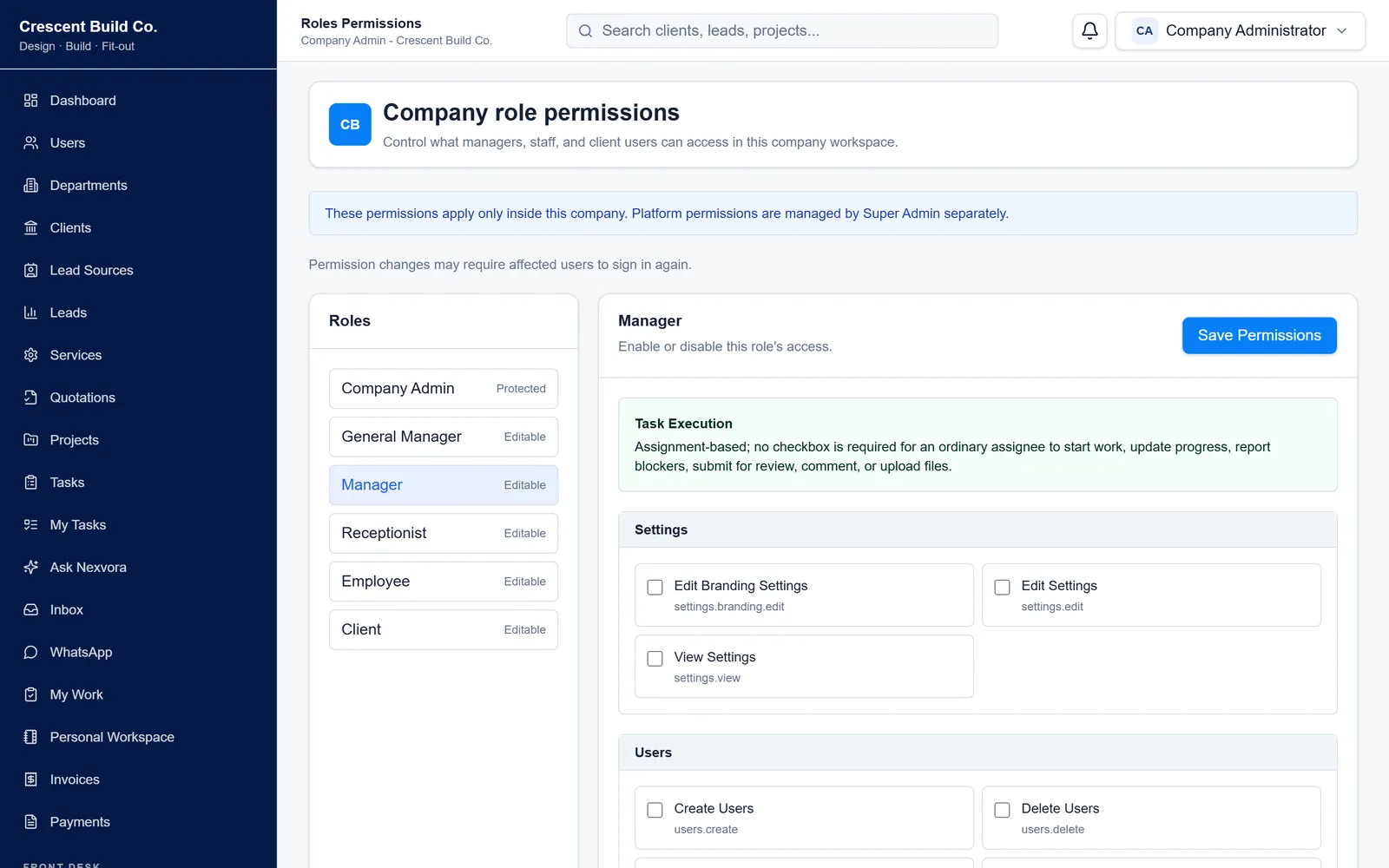
Controlled team access

Give every team the access its work requires.

Company administrators can organize users by role and department, then control which actions are available across clients, quotations, projects, invoices, and other workspace areas.

Company administrationRole permissionsDepartment-aware accessFeature visibility

Company workspace

Department structure

ManagementCompany-wide

SalesLeads & quotations

OperationsProjects

FinanceInvoices & payments

Role permissions

Example company configuration
Manager

One operational view

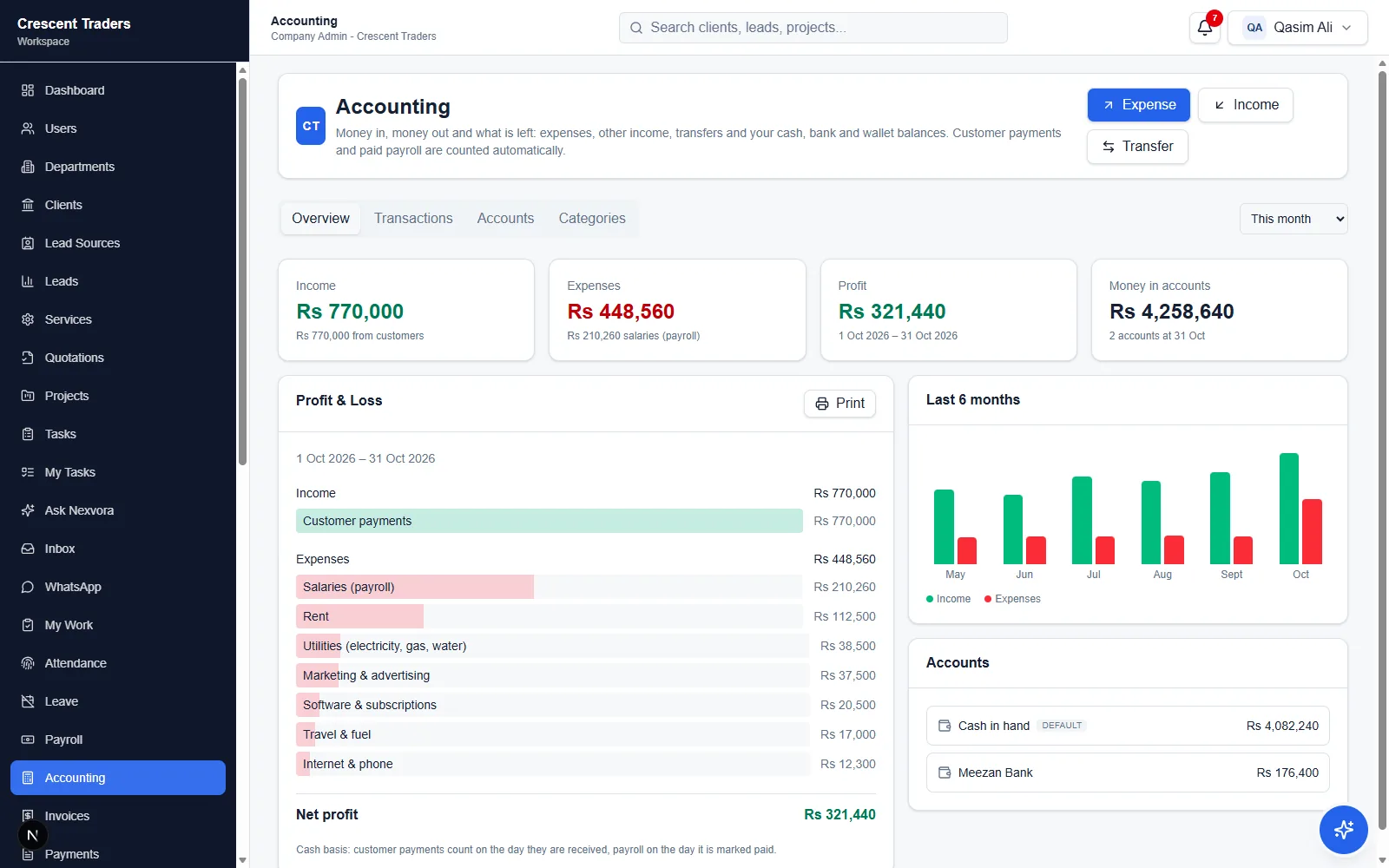
See sales, delivery, and billing as one business picture.

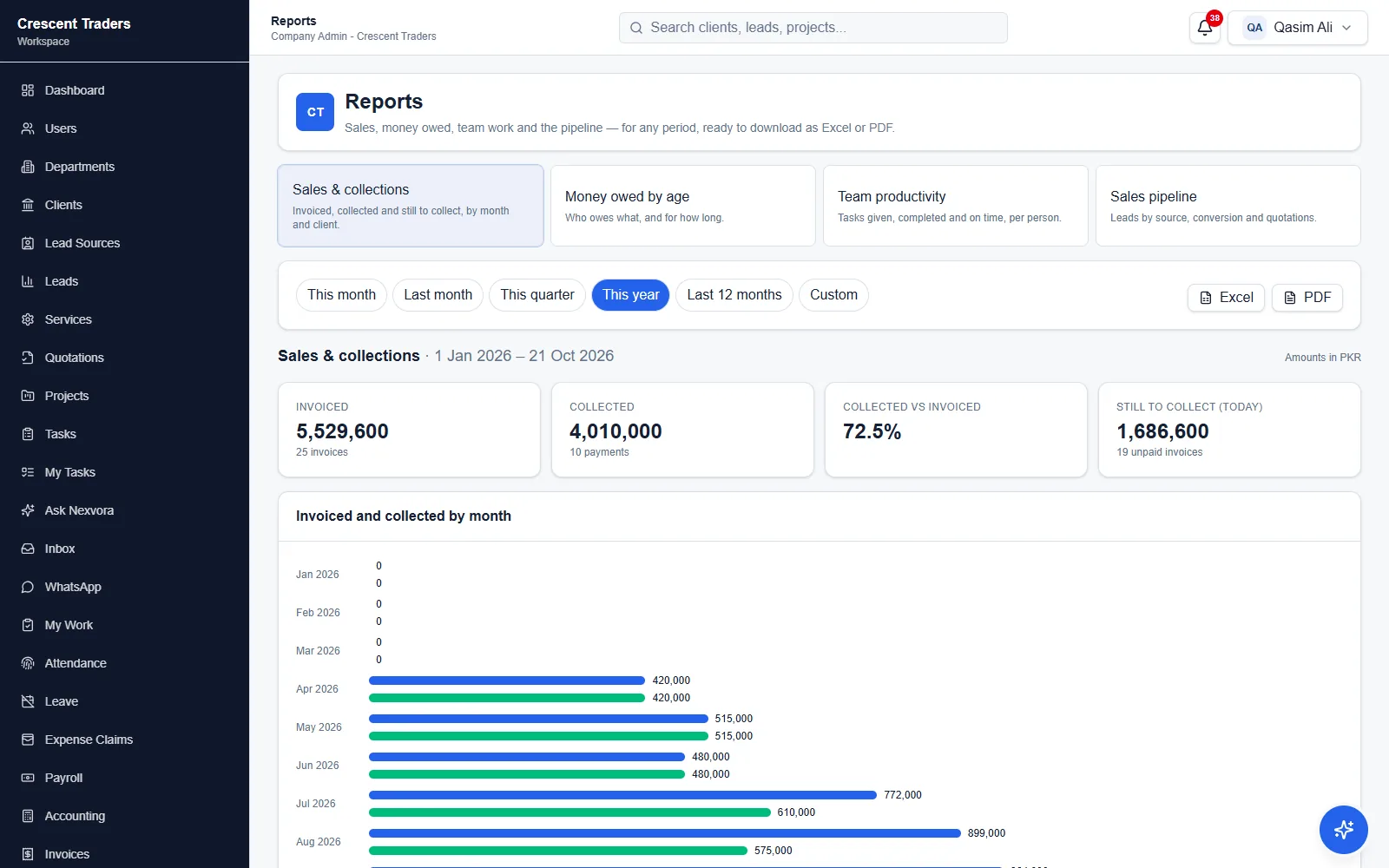
Dashboards and reports bring customer activity, project progress, invoice status, and revenue visibility together without losing the records behind each result.

Nexvora dashboard and reporting view across sales, delivery, and billing
Modular workspace

Use what fits now. Expand when the operation grows.

Plans establish the core workspace. Optional features and broader capabilities can be added as the company needs more from its operating system.

Core workspaceCompany setup and controlled access
SalesProjectsBillingReportsCommunicationClient portal

Plans built around real operations

Choose the operating foundation that fits your company.

Plan names, prices, currencies, limits, and included capabilities below come from Nexvora’s current public catalog. Use the full pricing page to compare the live details before requesting a purchase.

Compare full pricing and features
Live plan catalogMonthly and yearly options where configuredIncluded and optional capabilities kept distinct

Extend the workspace

Additional capabilities, without turning the product into disconnected tools.

Optional capabilities remain part of the same governed workspace. Availability, prerequisites, and final terms are confirmed before a purchase request proceeds.

Brand experience

Advanced Branding, Custom Login, and White Label options for companies that need a more tailored customer experience.

Document sharing

Capabilities such as public invoice links and client quotation approval can extend customer-facing workflows.

Business communication

Company SMTP Email and supported WhatsApp options can be enabled when they fit the company’s communication setup.

Custom-priced capability

When a published fixed price does not apply, Nexvora labels the request for review instead of presenting a misleading number.

Trust through clear boundaries

Business access stays aligned to the company, team, and capability.

Nexvora combines company-scoped records, controlled team access, protected sessions, and feature-aware administration so people can work with the context they need.

Control is part of the workspace.It is not added as a separate layer after operations are configured.

01

Company-scoped records

Business records remain connected to the company workspace they belong to.

02

Role and department controls

Access can reflect a person’s responsibilities and the department context of their work.

03

Protected access

Authenticated sessions and guarded administrative areas protect operational workflows.

04

Controlled capabilities

Plan and feature access keeps each workspace aligned to its enabled business capabilities.

Evaluate Nexvora with context

See how the workspace fits the way your company operates.

A demo request captures the plan and business context you want to explore. After email verification, the Nexvora team reviews the request and arranges the next step.

Request a guided demo

Request Demo

A clear, verified evaluation path
  1. 01
    Choose the context

    Select a plan and share the company details relevant to the evaluation.

  2. 02
    Verify your email

    Confirm the business contact before the request is submitted.

  3. 03
    Continue with Nexvora

    The request is reviewed and the demo can be arranged around the areas selected.

Email verification before the request is reviewed

Questions, answered clearly

Understand the product before choosing a path.

These answers reflect the current Workspace, its public commercial flow, and the controls available to company administrators.

Discuss your requirements
What is Nexvora Workspace?

Nexvora Workspace is business operations software that connects sales, project delivery, billing, and company administration inside one company-scoped workspace.

Which business areas can I manage?

The current product includes workflows for clients, services, leads, quotations, projects, invoices, payments, users, roles, permissions, departments, dashboards, and reporting, subject to the company’s plan and enabled features.

Can we add capabilities later?

Yes. Companies can start with the capabilities in their plan and request available add-ons or a broader plan as their operational needs grow.

How do roles and departments affect access?

Company administrators can assign roles, permissions, and department context so users see and act on the areas appropriate to their responsibilities.

What happens if we need a feature outside our plan?

Available fixed-price options can follow the normal purchase flow. Other capabilities may require a reviewed quote, depending on how the feature is configured.

Are some capabilities custom-priced?

Yes. Capabilities without a published fixed price are clearly treated as custom quote requests and reviewed before a commercial offer is issued.

How does the demo request work?

Choose the plan context you want to explore, provide your company details, verify your email, and submit the request. The Nexvora team then reviews the request and arranges the demo.

Can an existing company upgrade?

Yes. Authenticated company administrators can use the Upgrade Center to review available plan and feature options for their workspace.

How do I sign in to my company workspace?

Use Company sign in to locate your workspace, or open the company-specific login address provided for your organization.

A clearer way to run the operation

Connect the work, control access, and expand the workspace when the business needs more.

Compare the current plans, submit a purchase request, or ask Nexvora to walk through the product with your company context.